




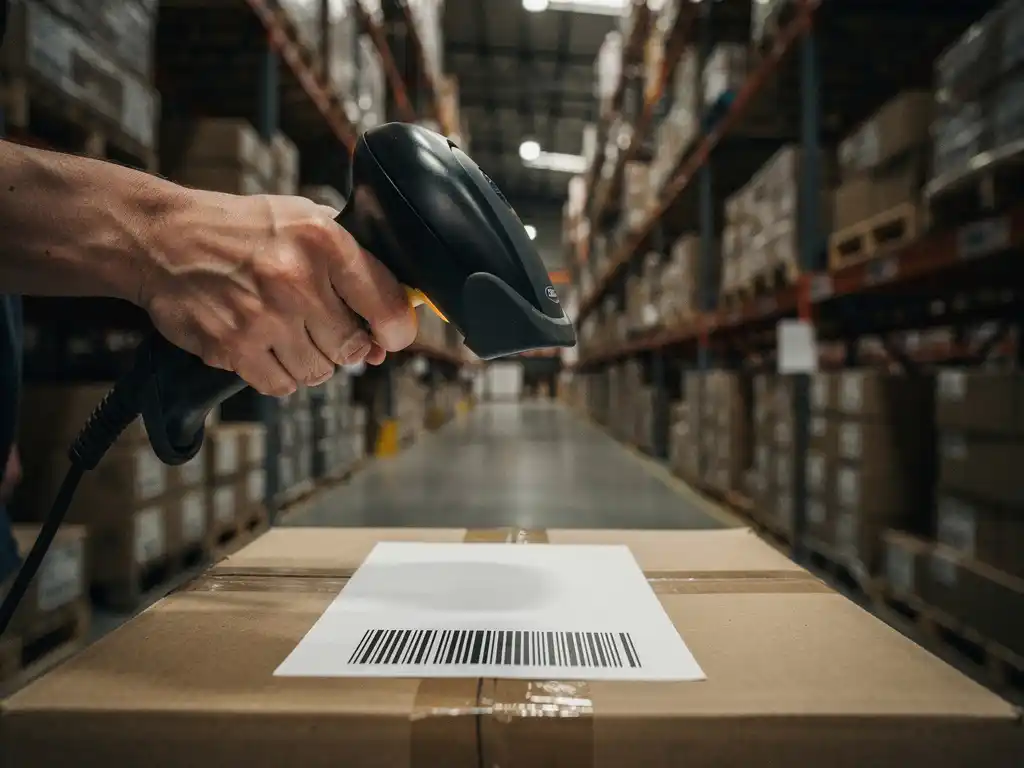
You can check where your IT equipment is located by using asset tracking software, barcode or RFID scanning systems, or GPS-enabled devices that report location in real time. Most businesses combine an IT asset management (ITAM) platform with physical labeling to maintain an accurate, up-to-date record of every device across all sites and users.
The right method depends on the size of your fleet, how mobile your equipment is, and how quickly you need location data. A company managing dozens of laptops across one office has different needs than one coordinating hundreds of server units, monitors, and peripherals across multiple countries. The sections below walk through the tools, technologies, and decision points that matter most.
What tools are used to track IT equipment locations?
The most widely used tools for tracking IT equipment locations are IT asset management software, barcode and QR code scanners, RFID readers, and GPS trackers. Each tool serves a different tracking need: software centralizes records, scanning confirms physical location at a point in time, and GPS or RFID provide continuous or near-continuous location data for mobile assets.
Most organizations layer these tools together rather than relying on a single method. A typical setup starts with an ITAM platform that holds the master record for each device, including its assigned user, physical location, and maintenance history. Physical labels, whether barcodes or RFID tags, are then attached to each piece of equipment so that a scan instantly updates the record in the system.
For high-value or highly mobile equipment such as laptops, tablets, or field devices, GPS trackers or mobile device management (MDM) software add another layer. MDM tools, which are installed directly on the device, can report the device’s network location and, on mobile hardware, its geographic coordinates. This combination gives IT teams both a database record and a live signal when they need to answer the question: where is my IT equipment located right now?
- ITAM software: Centralizes all asset records and location assignments in one searchable database
- Barcode and QR code scanning: Confirms physical location during audits or check-ins
- RFID systems: Automatically detect equipment as it passes reader points without manual scanning
- GPS trackers: Provide real-time geographic location for mobile or field-deployed assets
- MDM platforms: Track device location and status directly through the operating system
How does IT asset management software show equipment location?
IT asset management software shows equipment location by maintaining a structured database where each asset record includes a designated location field, such as a building, floor, room, rack, or assigned user. Location data is updated manually during audits, automatically through integrations with scanning hardware, or dynamically through network discovery tools that detect which devices are active on which network segment.
When a device is first registered, an administrator assigns it a location and a responsible user. From that point forward, every movement should trigger a location update, either through a scan at a new site, a reassignment in the system, or an automated check-in from the device itself. The software then displays this information in dashboards, reports, and search results, so any team member with access can look up a specific asset and immediately see its recorded location.
More advanced ITAM platforms integrate with network discovery tools that scan the organization’s infrastructure at regular intervals. When a device connects to the network, the tool identifies it by its MAC address or hostname and logs which network segment, building, or VLAN it is using. This provides a location update without any manual input, which is particularly useful for equipment that moves between sites frequently.
The accuracy of the location data in any ITAM system is only as good as the discipline behind updating it. Organizations that conduct regular physical audits, enforce check-in and check-out procedures, and integrate scanning with their software tend to maintain far more reliable location records than those relying on manual updates alone.
What’s the difference between active and passive asset tracking?
Active asset tracking uses powered tags or devices that continuously broadcast their location without any human intervention, while passive asset tracking uses unpowered labels such as barcodes or standard RFID tags that only transmit data when scanned or read by a nearby reader. The core difference is whether the asset reports its own location automatically or requires a person or fixed reader to initiate the data capture.
Active tracking
Active tracking technologies include GPS trackers, active RFID tags, and Bluetooth Low Energy (BLE) beacons. These devices carry their own power source and emit signals at regular intervals. A central system receives those signals and updates the asset’s location record continuously or near-continuously. Active tracking is well suited to high-value equipment that moves frequently, such as laptops used by field engineers, medical devices in a hospital, or server units being transported between data centers.
The trade-off is cost. Active tags are significantly more expensive than passive labels, and the battery or power infrastructure adds ongoing maintenance. For large inventories of lower-value items, the investment is rarely justified.
Passive tracking
Passive tracking relies on barcodes, QR codes, or passive RFID tags that store a unique identifier but emit no signal on their own. A handheld scanner or fixed reader must come close to the label to read it. This approach is cost-effective and durable, requiring no power source on the asset itself. It works well for equipment that stays in predictable locations, such as desktop computers, monitors, printers, and server rack components.
The limitation is that passive tracking only captures location at the moment of the scan. If equipment moves between audits, the system will not reflect that change until the next scan. For organizations conducting quarterly or annual audits, this can leave significant gaps in location accuracy.
How can you find IT equipment that has gone missing?
To find IT equipment that has gone missing, start by querying your ITAM system for the asset’s last recorded location and assigned user, then cross-reference with MDM or GPS data if the device is network-connected or carries a tracker. If those sources are exhausted, escalate to a physical search of the last known location, contact the last assigned user, and review access logs for the area where the equipment was last seen.
A structured response helps prevent a missing device from becoming a lost or compromised one. The steps below reflect the order most IT teams follow:
- Check the ITAM database for the asset’s last recorded location, assigned user, and any recent check-in or check-out activity
- Query MDM or GPS tools to see if the device is currently online and reporting a location
- Review network logs to identify the last IP address or network segment the device connected to
- Contact the last assigned user to confirm whether the device was relocated, loaned to a colleague, or taken off-site
- Conduct a physical search of the last known location, including storage rooms, server rooms, and shared workspaces
- Trigger a remote lock or wipe through MDM if the device contains sensitive data and cannot be located within a reasonable timeframe
Prevention is more effective than recovery. Organizations that enforce strict check-in and check-out procedures, conduct regular audits, and require users to confirm asset assignments are far less likely to face missing equipment in the first place. When equipment is also managed through a structured warehousing process, the chain of custody is documented from receipt through deployment, which dramatically reduces the chance of an asset disappearing unnoticed.
When should a business invest in real-time IT asset tracking?
A business should invest in real-time IT asset tracking when the cost of not knowing where equipment is located, whether through loss, theft, compliance failure, or operational disruption, exceeds the cost of the tracking infrastructure. For most organizations, this threshold is reached when managing more than 200 to 300 mobile or high-value assets, operating across multiple physical sites, or working in a regulated industry where asset location is subject to audit.
Several specific situations make real-time tracking a sound investment rather than an optional upgrade:
- High employee turnover or frequent reassignments: Equipment changes hands often, making manual records unreliable
- Multi-site or international operations: Assets move between locations regularly and audits cannot cover all sites simultaneously
- Regulated industries: Healthcare, finance, and government sectors often require demonstrable control over where data-bearing devices are at all times
- High-value or sensitive equipment: Server hardware, specialist field devices, or equipment containing confidential data justifies the cost of continuous tracking
- Frequent equipment loss or theft: If missing assets are a recurring problem, real-time tracking pays for itself quickly through recovery and deterrence
For businesses that also rely on third-party logistics providers to receive, store, and distribute IT equipment, the tracking question extends beyond the office walls. We handle complex project logistics, including the warehousing, assembly, and worldwide distribution of IT hardware, and we maintain full chain-of-custody documentation throughout. Knowing where your equipment is located does not stop at your building’s front door; it covers every stage of the supply chain from manufacturer to end user.
If your organization is still relying on spreadsheets or annual audits to answer the question of where IT equipment is located, 2026 is a practical moment to reassess. The combination of affordable RFID infrastructure, cloud-based ITAM platforms, and MDM tools means that real-time visibility is no longer reserved for large enterprises. Businesses of almost any size can now implement a tracking approach that matches their risk profile and budget without requiring significant IT overhead to maintain it.