


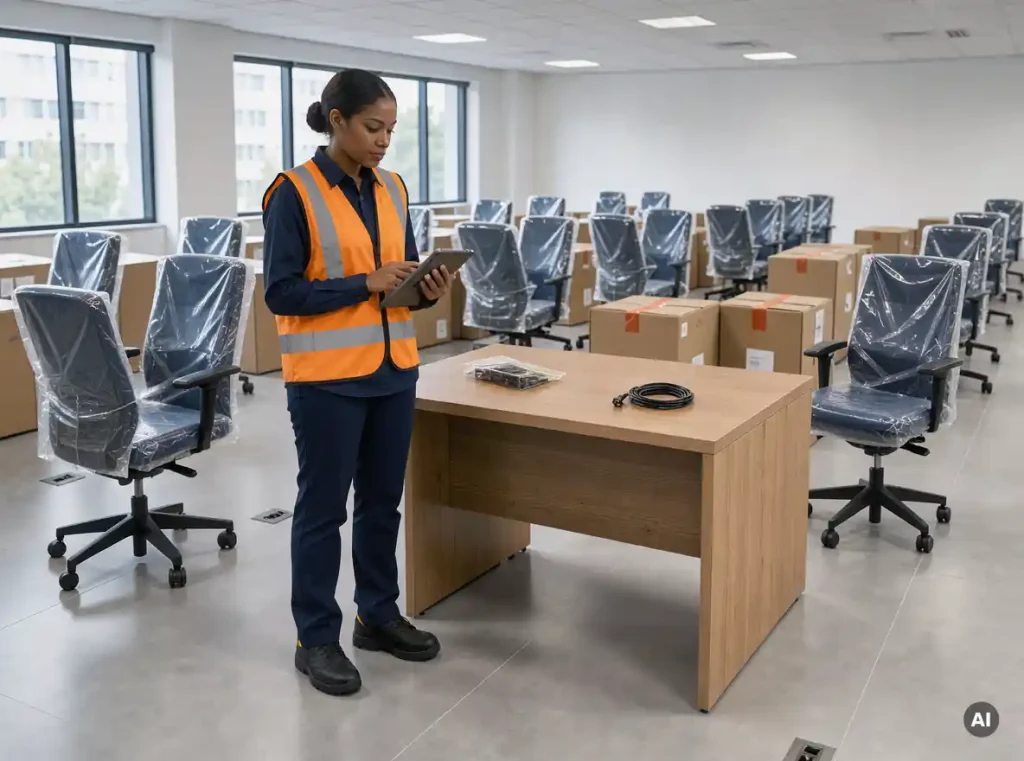
You track installed furniture across multiple sites by giving every item a unique ID, linking it to a central register, and updating its status at each stage: delivered, placed, installed and handed over. A shared digital system, combined with tags or QR codes and on-site scanning, keeps every location visible in one place.
The approach works for office fit-outs, hotel rollouts and school projects alike. What changes is the scale, not the principle. Below, we walk through the data to capture, the tagging methods, the tools, the progress monitoring and the upkeep after handover.
Which Data Should Be Recorded for Each Installed Item?
Each installed item needs a unique ID, a clear description, its exact location, its installation status and key dates. Add the supplier, serial or batch number and any condition notes. With these fields, anyone can trace where an item came from, where it stands and what state it is in.
A practical record usually holds the following:
- Unique identifier: one code per item, never reused.
- Product details: model, finish, dimensions, supplier and serial or batch number.
- Location: site, building, floor and room, ideally matched to the floor plan.
- Status and dates: received, in transit, delivered, installed, signed off.
- Condition notes: damage on arrival, defects, repairs or replacements.
- Responsible party: the installer or team that completed the work.
Photos make a big difference. A picture taken at delivery and another after installation settle most disputes quickly. Keep the field list short enough that installers actually fill it in, because a record nobody completes is worse than a simple one that is always up to date.
How Do Asset Tags and QR Codes Help Track Furniture?
Asset tags and QR codes give each piece of furniture a physical link to its digital record. Scanning the code with a phone instantly shows the item’s details and lets the installer update its status on the spot, which removes manual data entry and reduces mistakes across multiple sites.
Choosing between barcodes, QR codes and RFID
QR codes are the easiest starting point. They are cheap to print, any smartphone reads them, and they can store a link straight to the item’s record. Traditional barcodes work well when you already use handheld scanners. RFID tags allow bulk reading without line of sight, which helps in large warehouses, but the cost is higher and it is rarely needed for standard furniture projects.
Where and how to place tags
Place the tag where it stays readable after installation but does not spoil the look of premium pieces, for example on the underside of a table or the back of a cabinet. Use durable labels that survive handling and cleaning. Apply them before items leave the warehouse, so every scan from the first loading moment onward is tied to the same ID.
What Tools Work Best for Multi-Site Furniture Tracking?
The best tools combine a central database, a mobile scanning app and a shared dashboard. Furniture delivery and installation software, a warehouse management system or a well-structured project platform can all work, as long as every site updates the same live record rather than separate spreadsheets.
When comparing options, look at a few practical criteria:
- Mobile access: installers need to scan and update from the floor, even with weak connectivity.
- Offline capture: data should sync once the connection returns.
- Photo and document attachments: for condition checks and sign-off forms.
- Role-based access: clients, installers and planners should each see what they need.
- Reporting: exports and dashboards that show progress per site without manual work.
Spreadsheets can handle a single small site, but they break down fast across locations because versions diverge. If your furniture passes through a warehouse before installation, linking the tracking tool to your warehousing process keeps the chain unbroken from goods receipt to final placement. We follow this approach in our own projects, and our clients receive online tracking of every step.
How Can Installation Progress Be Monitored Across Locations?
Installation progress is best monitored by using the same status steps at every site and reviewing them in one dashboard. Each scan or update feeds a live overview, so a project manager can see how many items are delivered, installed and signed off per location without calling each team.
Consistency is the key. Agree on a fixed set of statuses up front, such as planned, delivered, installed, inspected and handed over, and use them everywhere. Then add a few habits that keep the picture accurate:
- Run a short daily check-in with each site lead, based on the dashboard rather than memory.
- Flag exceptions immediately, for example missing items, damaged goods or access problems.
- Compare planned against actual installations per site and per week to spot delays early.
- Close each room or floor with a sign-off, so completed areas are formally locked.
Large rollouts depend on clear coordination. Our project logistics teams manage this kind of work, with dedicated project managers overseeing planning, delivery and installation from start to finish. When a client fits out many locations at once, one shared view of progress prevents surprises at handover.
How Do You Keep Furniture Records Accurate After Handover?
Keep furniture records accurate after handover by assigning an owner for the register, logging every move, repair and disposal, and running periodic audits against the physical items. Without a named owner and a simple update routine, records drift out of date within months.
Start the handover with a complete as-built record: final locations, photos, serial numbers and any care or warranty information. Hand it over in a format the client can keep using, ideally the same system used during installation. Then build in a few upkeep routines:
- Name a record owner on the client side, such as facilities or asset management.
- Scan on every change: when an item moves, is repaired or is removed, update its record the same day.
- Audit regularly: check a sample of tagged items per site against the register, and correct any gaps.
- Track end of life: record disposal, resale or refurbishment, so the register reflects what actually exists.
Good documentation also supports sustainability goals. A reliable register makes it easier to refurbish and reuse items instead of replacing them, something we regularly do with office furniture. If you are planning a multi-site rollout and want a tracking setup that survives handover, get in touch with us and we will help you design it.