




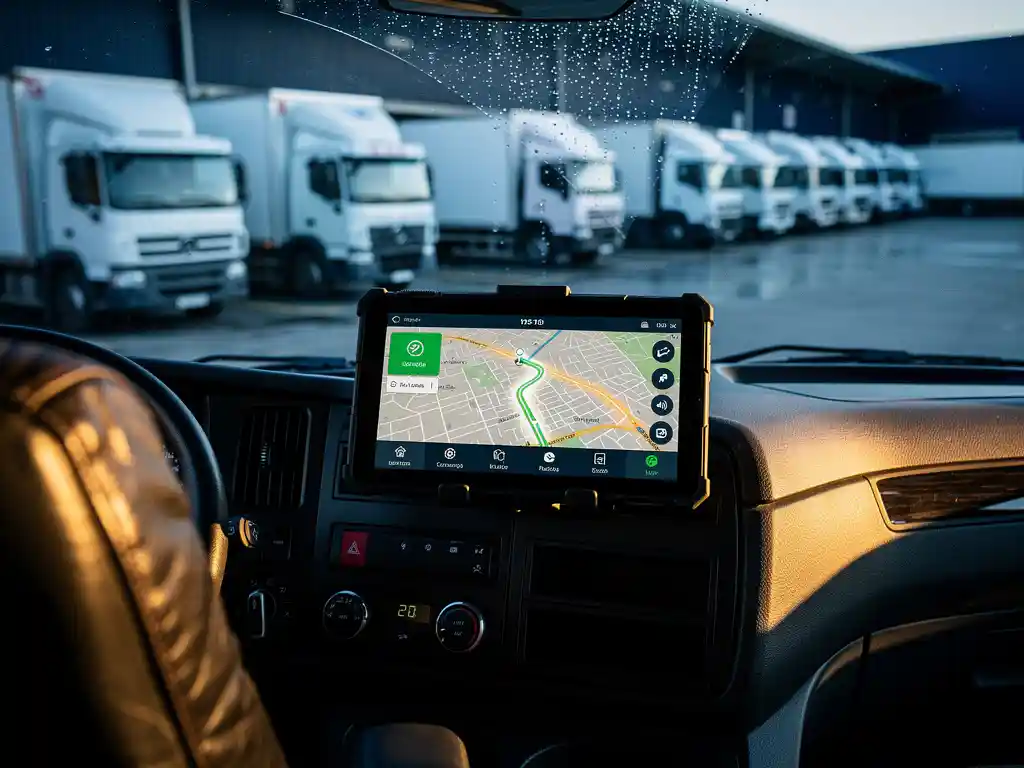
You can get real-time location updates on your IT equipment by combining GPS tracking devices attached to shipments with cloud-based asset visibility platforms that push live status updates to your browser or mobile device. Most professional logistics providers integrate these tools directly into their operations, giving you a single dashboard or tracking link where you can see exactly where your equipment is at any moment. The sections below walk through the technologies, software, setup steps, and responsibilities involved in making that visibility work.
What technologies enable real-time IT equipment tracking?
Real-time IT equipment tracking relies on three core technologies working together: GPS (Global Positioning System) for location data, cellular or satellite connectivity for transmitting that data, and cloud-based software for displaying and managing it. Together, these layers answer the question “where is my IT equipment located” at any point in the supply chain, from warehouse to final destination.
Each technology plays a distinct role:
- GPS hardware: Small tracking devices or tags are attached to pallets, flight cases, or individual equipment units. These devices capture precise coordinates continuously.
- Connectivity networks: Cellular (4G/5G), LPWAN (Low Power Wide Area Network), or satellite connections transmit location data from the tracker to a central server. Cellular works well in urban and road environments; satellite coverage extends to remote or international routes.
- IoT sensors: Beyond location, modern trackers can monitor temperature, shock, and humidity, which is especially relevant for sensitive server hardware or medical IT equipment.
- Cloud platforms: Software aggregates incoming data, applies geofencing rules, and presents the information through dashboards or API feeds that integrate with your own systems.
The combination of these layers means tracking is no longer limited to milestone scans at depots. Equipment position updates can arrive every few seconds or minutes depending on the configuration, giving logistics managers and end clients a genuinely live picture of asset movement.
How does GPS tracking work for IT assets in transit?
GPS tracking for IT assets in transit works by attaching a GPS-enabled device to the shipment, which receives signals from multiple satellites to calculate its precise position. That position is then transmitted over a cellular or satellite network to a cloud server, where it becomes visible to authorized users through a tracking interface, typically updated every few minutes during active transit.
The process breaks down into four stages:
- Tag attachment: A tracker is fixed to the pallet, crate, or equipment case before departure. For high-value IT shipments, trackers are often placed inside packaging to prevent tampering.
- Signal acquisition: The GPS chip locks onto satellite signals and calculates latitude, longitude, and altitude. Modern chips achieve accuracy within a few meters under open-sky conditions.
- Data transmission: The tracker sends position data via its built-in cellular modem to a cloud server. In areas with poor cellular coverage, satellite backup ensures continuity.
- Visualization: The cloud platform plots the position on a map and logs it with a timestamp, creating a full movement history alongside the live location.
For IT equipment specifically, GPS tracking is often combined with tamper alerts. If a case is opened unexpectedly or a device is removed from its designated route, the system flags the anomaly immediately. This is particularly valuable for high-value assets such as server units, laptops, or networking hardware moving across borders.
What software platforms provide real-time IT asset visibility?
Real-time IT asset visibility is provided by a range of software platforms, including dedicated logistics visibility tools, transport management systems (TMS) with tracking modules, and specialized asset tracking platforms. The right choice depends on whether you need visibility purely during transit, across your warehouse, or throughout the entire supply chain lifecycle.
Transit and supply chain visibility platforms
Platforms in this category focus on tracking goods as they move between locations. They aggregate data from GPS trackers, carrier APIs, and milestone scan events to give a consolidated view of shipment status. Examples of platform types include multi-carrier tracking hubs that pull data from dozens of carriers into one interface, and TMS platforms with built-in real-time map views. These are most useful when IT equipment moves through multiple logistics partners on its way to the final destination.
Warehouse and inventory management systems
Once equipment arrives at a warehouse, visibility shifts to WMS (Warehouse Management System) platforms that track exact bin locations, stock levels, and movement within the facility. For IT logistics operations that include warehousing services, these systems ensure that equipment is locatable not just on the road but also during storage phases before final delivery.
Many enterprise clients opt for platforms that combine both layers, providing a single answer to “where is my IT equipment located” whether it is sitting in a warehouse, on a truck, or being installed at a client site. Integration with ERP systems allows procurement and finance teams to access location data alongside order and invoice information without switching tools.
Why are real-time location updates critical for IT equipment logistics?
Real-time location updates are critical for IT equipment logistics because IT assets are high-value, often time-sensitive, and directly tied to business operations. A delayed server rack can halt a data center go-live. A missing laptop shipment disrupts an employee onboarding program. Knowing exactly where equipment is at all times allows logistics managers to intervene before delays become crises.
Several factors make real-time visibility especially important for IT shipments specifically:
- High unit value: IT equipment often carries significant financial and data-security risk. Real-time tracking deters theft and enables rapid response if a shipment deviates from its planned route.
- Tight installation windows: IT infrastructure projects, such as setting up server cabinets or equipping remote work environments, are scheduled around technical teams and site access. Late equipment means wasted labor costs and rescheduling fees.
- Compliance requirements: Some industries require documented chain of custody for hardware containing sensitive data. Real-time location logs create an auditable record of every movement.
- End-customer satisfaction: Whether delivering to a corporate office or a home-working employee, recipients expect accurate ETAs. Live tracking feeds that information directly.
We handle IT logistics projects that include assembling server cabinets in controlled environments and distributing hardware to end users globally. In those contexts, real-time visibility is not a luxury feature but a baseline requirement for coordinating installation teams with delivery schedules across multiple sites and time zones. You can see how we approach complex logistics like this through our client cases.
How do you set up location tracking alerts for IT shipments?
To set up location tracking alerts for IT shipments, you configure geofences and status triggers within your tracking platform that send automatic notifications when specific conditions are met, such as when a shipment leaves a depot, enters a delivery zone, experiences an unexpected stop, or deviates from its planned route.
A practical setup process looks like this:
- Define your alert triggers: Decide which events matter most. Common triggers include departure from origin, arrival at an intermediate hub, entry into the delivery area, extended dwell time at one location, and route deviation beyond a set distance.
- Set geofence boundaries: Draw virtual perimeters around key locations (your warehouse, the client’s site, a border crossing point) in your tracking platform. The system fires an alert when the tracker crosses those boundaries.
- Choose notification channels: Most platforms support email, SMS, and in-app push notifications. For critical IT shipments, configuring multiple channels ensures alerts reach the right person even if one channel is missed.
- Assign recipients: Route alerts to the people who can act on them. A route deviation alert is most useful for the logistics coordinator, while an arrival alert may be more relevant for the on-site IT installation team.
- Test before the shipment moves: Run a test scenario using a dummy shipment or a simulated location update to confirm that alerts fire correctly and reach the intended recipients.
Well-configured alerts shift tracking from a passive monitoring activity to an active management tool. Instead of checking a dashboard repeatedly, your team receives actionable information exactly when it is needed.
Who is responsible for real-time tracking in a logistics chain?
Responsibility for real-time tracking in a logistics chain is shared between the logistics service provider and the client, but the logistics provider typically owns the operational layer: attaching trackers, maintaining connectivity, and ensuring the tracking platform reflects accurate data. The client’s responsibility is to define what visibility they need and to act on the information they receive.
In practice, accountability is distributed across several roles:
- The logistics provider: Equips shipments with tracking hardware, integrates carrier data into the visibility platform, and ensures that the tracking link or dashboard is accessible to the client. A full-service provider takes on this responsibility entirely, so the client does not need to manage tracker procurement or platform setup.
- The dedicated contact person: In well-structured logistics operations, a single point of contact manages all communication regardless of how many partners or transport modes are involved. This person is accountable for proactively flagging issues that appear in the tracking data.
- The client’s logistics or procurement team: Monitors alerts, communicates delivery windows to end recipients, and escalates issues when tracking data indicates a problem that requires a decision on their side.
- Subcontractors and partner carriers: When a shipment moves through multiple hands, each partner in the chain must maintain tracking continuity. Reputable logistics networks enforce consistent tracking standards across all partners.
We operate as a full unburdening partner, which means we take over all communication and tracking responsibility from the moment goods enter our care, whether that starts at the contract logistics stage or at port reception. Clients receive online tracking updates at every step, without needing to chase information from multiple parties. If you want to learn more about how we structure that responsibility, our company overview explains our approach in detail.