


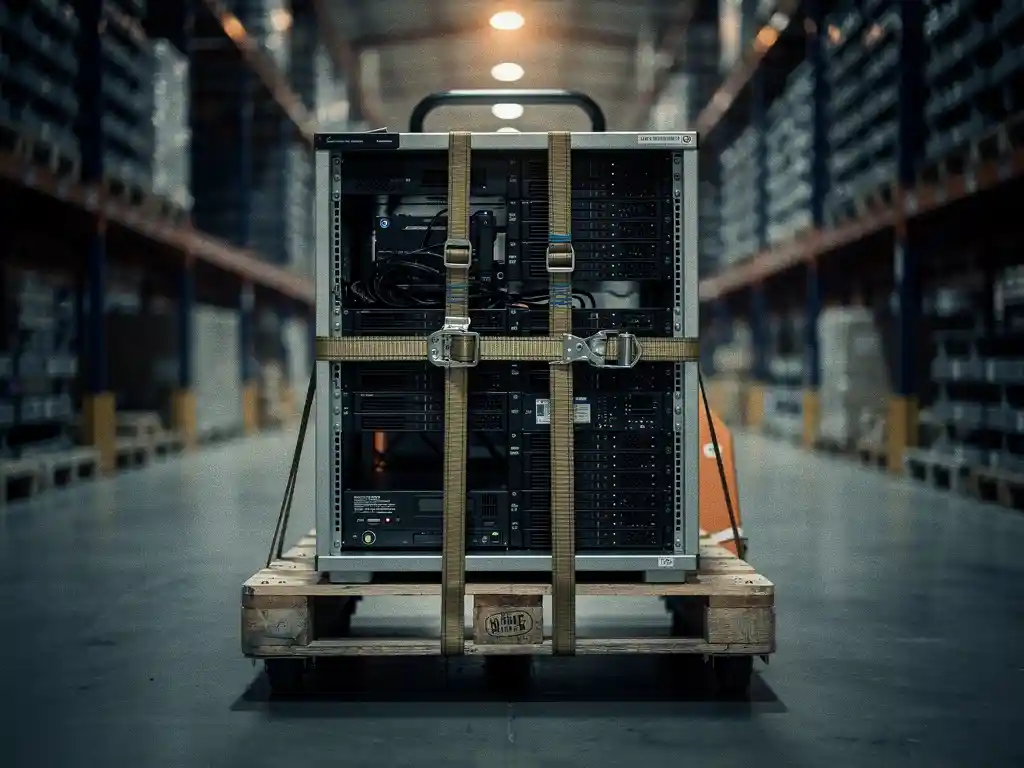
You can move server racks without affecting operations by combining meticulous pre-move planning, the right specialist equipment, and a phased execution strategy that keeps critical systems running throughout the process. The key is treating the relocation not as a simple transport job but as a precision logistics operation where every variable, from vibration exposure to cable labeling, is managed in advance. The sections below address the most important questions organizations face when planning a server rack relocation.
What are the biggest risks when relocating server racks?
The biggest risks when relocating server racks are physical damage from vibration and impact, data loss caused by unplanned shutdowns, and extended downtime resulting from poor coordination. Each of these risks is manageable, but only when they are identified and mitigated before the move begins rather than addressed reactively during execution.
Server racks contain components that are highly sensitive to movement. Hard drives, in particular, can suffer read/write head damage from even moderate vibration if they are spinning during transport. Loose cable connections, dislodged expansion cards, and cracked mounting brackets are also common outcomes of moves that treat server hardware the same as general freight.
Beyond the physical risks, the operational risks are equally serious. A server that goes offline unexpectedly during business hours can trigger cascading failures across dependent systems. Applications, databases, and network services may not recover cleanly from an uncontrolled shutdown. If the move is not coordinated with IT teams, backup systems, and end users in advance, even a brief interruption can translate into hours of troubleshooting after the racks arrive at their destination.
A third category of risk is documentation failure. Without a detailed record of rack configurations, cable routes, IP assignments, and hardware positions before the move, reassembly at the destination becomes a guesswork exercise. This is where many organizations lose the most time, not during the physical transport itself, but in the reconnection phase that follows.
How do you plan a server rack move without downtime?
Planning a server rack move without downtime requires a structured approach built around three phases: preparation, execution, and verification. Each phase must be fully defined before any hardware is touched, and the plan must include fallback options for every critical system in case something does not go as expected.
Preparation: inventory, scheduling, and risk mapping
Start with a complete audit of every rack, its contents, and its dependencies. Document each server’s role, its connections, its power requirements, and the systems that depend on it. Use this information to sequence the move so that non-critical systems travel first and mission-critical infrastructure moves last, or is kept live through failover arrangements until the new location is ready to take over.
Schedule the move during the lowest-demand window available, typically nights or weekends, and communicate the plan clearly to all stakeholders. If your organization has a change management process, the server relocation should go through it. Notify users, set maintenance windows in monitoring tools, and confirm that backup systems are current and tested before the move date.
Execution: sequencing and real-time coordination
On move day, assign clear roles. One team handles the physical disconnection and packing at the origin site while another prepares the destination environment, confirming that power, cooling, and network infrastructure are ready to receive the hardware. A project coordinator should maintain live communication between both teams throughout the move.
Rack components should be photographed before disassembly, and every cable should be labeled at both ends. Servers that cannot be powered down should be migrated virtually if possible, with physical hardware following once the virtual instance is stable at the new location. For organizations with complex project logistics requirements, dedicated project management oversight at this stage makes a measurable difference in outcome.
What equipment is needed to safely transport server racks?
Safely transporting server racks requires anti-vibration packaging, purpose-built server transport carts, climate-controlled or air-ride suspension vehicles, and electrostatic discharge protection. Standard moving equipment is not adequate for server hardware, and improvising with general freight materials significantly increases the risk of damage.
Anti-vibration foam and custom crating absorb the road shock and vibration that would otherwise reach sensitive components. Server transport carts with pneumatic or gel-cushion wheels allow racks to be moved within a building without the jolts that come from standard steel-wheeled dollies on uneven floors. For the road portion of the move, vehicles fitted with air-ride suspension are strongly preferred because they reduce the amplitude of vibration transmitted to the cargo throughout the journey.
Electrostatic discharge, or ESD, is a less visible but equally serious concern. Server components can be damaged by static electricity generated during handling, particularly in dry environments. Technicians should use ESD wrist straps and anti-static bags for any components removed from their housings during the move. Grounding mats at both the origin and destination work surfaces add an additional layer of protection.
Climate control matters too. Server hardware should not experience sudden temperature swings. If racks move from a cold vehicle into a warm building, condensation can form on circuit boards. Allow hardware to acclimatize at the destination before powering it on, following the manufacturer’s recommended stabilization period, which is typically between one and four hours depending on the temperature differential.
Should you use a specialist logistics provider or move servers in-house?
For most organizations, using a specialist logistics provider is the lower-risk option when moving server racks, particularly for moves that involve multiple racks, significant distances, or tight operational continuity requirements. In-house moves are only appropriate for small-scale relocations where the organization has dedicated IT staff with direct experience in hardware transport and the right equipment already available.
The case for specialist providers rests on three factors: equipment, experience, and accountability. A provider that handles high-tech logistics regularly will have air-ride vehicles, anti-vibration materials, and clean-room facilities as standard resources rather than one-time rentals. Their teams will have moved server hardware before and will recognize risks that a general facilities team would not anticipate.
We at Jan Krediet, for example, assemble and handle server cabinets in a dedicated dust-free clean-room environment and provide warehousing, refurbishment, and worldwide distribution for technology clients. This kind of specialist infrastructure is not something most organizations can replicate internally for a one-time move.
The case for in-house moves is primarily cost and control. If the move involves a single rack, a short distance within the same building, and an IT team that is fully available to manage the process, the added coordination layer of an external provider may not be necessary. However, as the complexity of the move increases, the risk of in-house execution rises faster than most organizations expect. A single hardware failure or extended reconnection delay will typically cost more than the logistics fee would have.
How do you reconnect and verify server racks after a move?
After a server rack move, reconnection and verification should follow a structured sequence: physical inspection first, then power-on testing by priority tier, then systematic functional verification of every service before declaring the move complete. Rushing this phase is where most post-move problems originate.
Begin with a physical inspection of every rack and component before connecting any power. Check for visible damage, confirm that all components are seated correctly in their slots, and verify that all cables are connected to the correct ports using the labeled documentation created before the move. Any discrepancy should be resolved before the rack is powered on.
Power on servers in dependency order. Infrastructure services such as DNS, Active Directory, and storage systems should come online before application servers, and application servers before end-user-facing services. Monitor each system as it boots, watching for error messages, hardware alerts, or unexpected behavior that might indicate transport damage or a configuration issue.
Once systems are running, run a systematic functional verification. This means testing the actual services and applications that depend on the hardware, not just confirming that the operating system has loaded. Check network connectivity, storage access, application response times, and backup agent status. Compare these readings against the baseline documentation captured before the move so that any degradation is immediately visible.
Finally, keep the origin environment available in a powered-down but intact state for a defined period after the move, typically 48 to 72 hours. This gives the organization a fallback option if a critical issue surfaces after the new environment goes live. Once the verification period passes without incident, the origin site can be decommissioned and the move can be formally closed. For organizations that want full end-to-end support across planning, transport, and post-move verification, working with a provider experienced in end-to-end project logistics ensures that no phase of the process is left unmanaged.